
Your sales tell you what sold. Analytics tells you why.
Your BentBox account shows what you sold. It does not show the hundreds of people who looked at a Box and left, or which post brought them to you in the first place. Google Analytics fills that gap. Once your tracker is connected, every visit to your profile page and your Box pages is recorded in your own Google Analytics property, which only you can see.
Where visitors come from
X, Reddit, Instagram, a forum, a search engine or your own website. Stop guessing which post sent people.
Which Boxes get attention
See views per Box page, so you know which covers and titles pull people in and which get skipped.
Where your audience is
Countries, cities and languages, so you can post at the right time of day for the people who follow you.
What they browse on
Phone, tablet or desktop. Most visitors arrive on a phone, so check your covers there first.
1Create a Google Analytics property
A property is the container your visitor data goes into. If you already use Google Analytics for your own website, you can create a separate property just for BentBox, so the numbers stay apart.
- Go to analytics.google.com and sign in with your Google account.
- If this is your first time, press Start measuring and create an account. Otherwise open Admin (the cog, bottom left) and choose Create then Property.
- Name it something you will recognise, such as BentBox – yourname.
- Pick your reporting time zone and currency. The time zone decides where a "day" starts in your reports, so choose the one you live in.
- Answer the short questions about your business and press Create.
2Add a web data stream
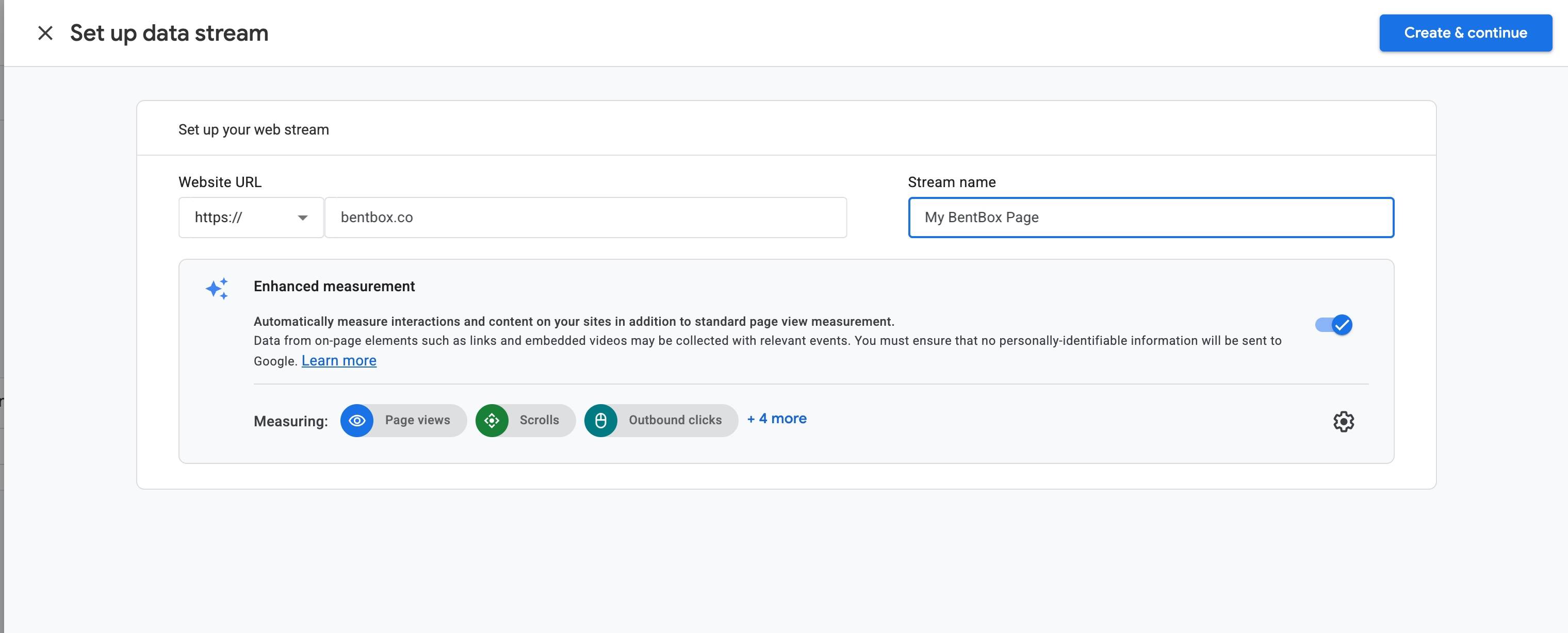
Google now asks where your data will come from. That is a data stream.
- Choose Web as the platform.
- For the website URL, enter
bentbox.coand give the stream a name, for example My BentBox page. - Leave Enhanced measurement switched on. It records scrolls and outbound clicks for you without any extra setup.
- Press Create stream.
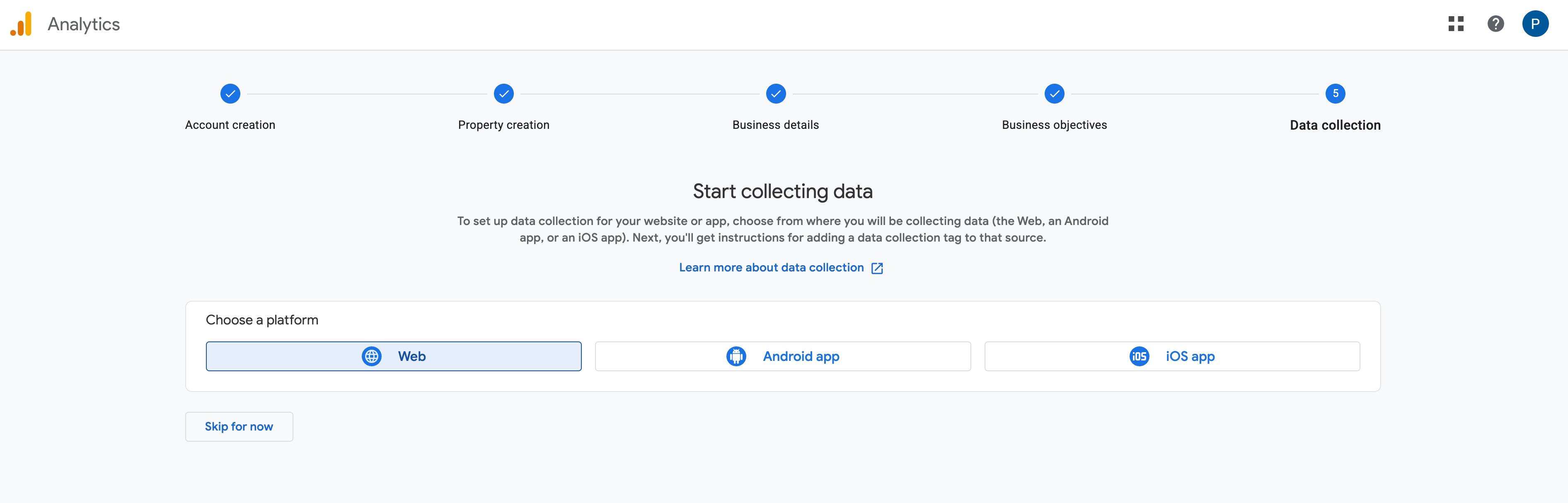
Google then shows the stream details. At the top right you will see your Measurement ID. It starts with G- and is followed by ten letters and numbers. Copy it. This is the only thing BentBox needs.
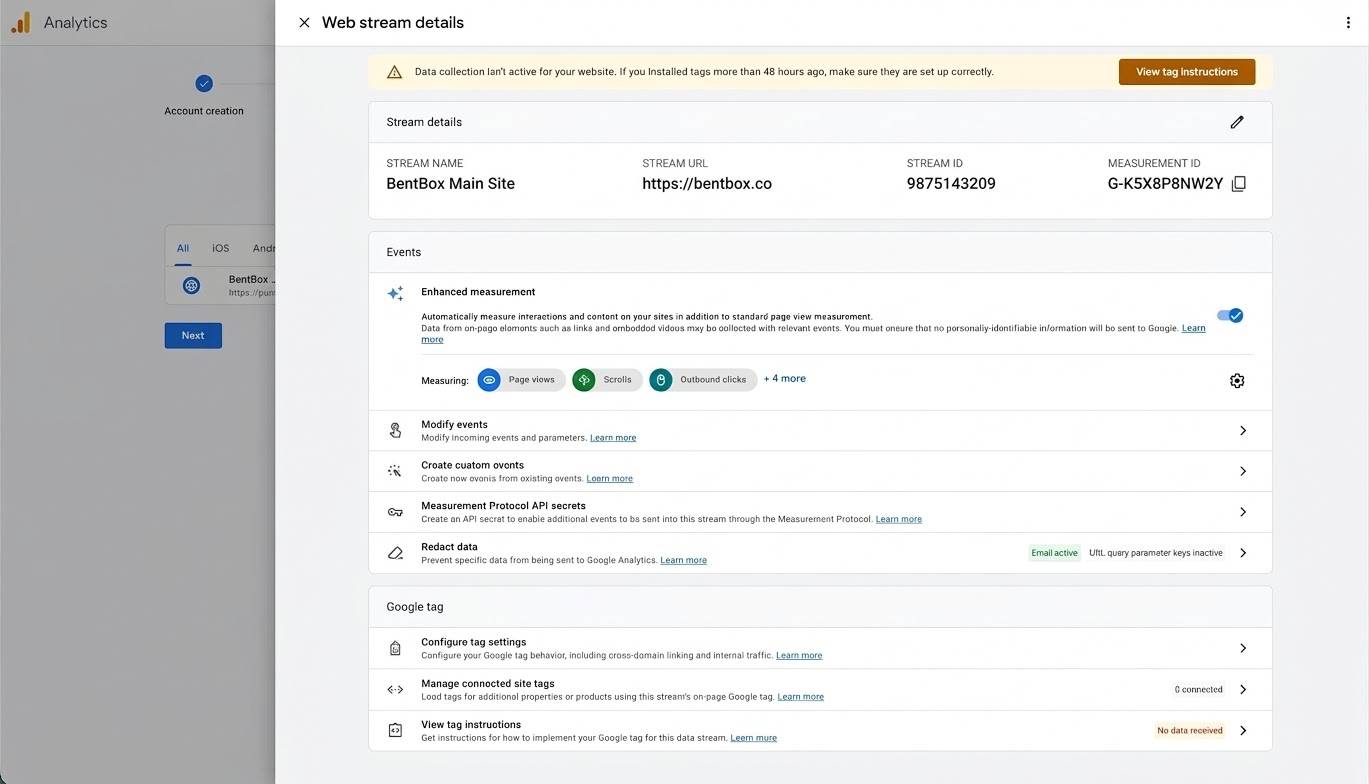
3Paste your ID into BentBox
- Log in to BentBox and open Account settings.
- Scroll down to the Google Analytics section, just above the save bar.
- Paste your Measurement ID into the Tracker ID field.
- Press Save Profile. You will see a "Profile saved" message.
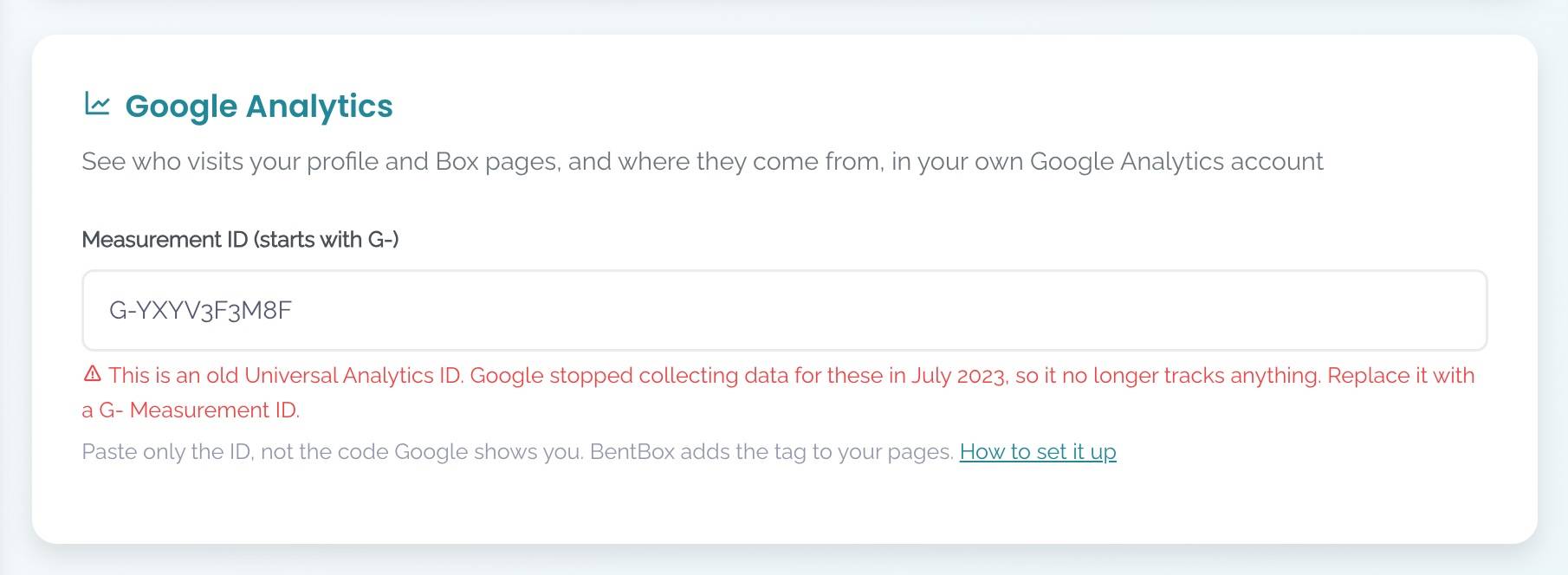
G- Measurement ID from steps 1 and 2.4Check that it works
- Open a private or incognito window and switch off any ad blocker for the test. Ad blockers stop Google Analytics, which is why you will never see 100% of your visitors.
- Visit your BentBox profile and click into one of your Boxes.
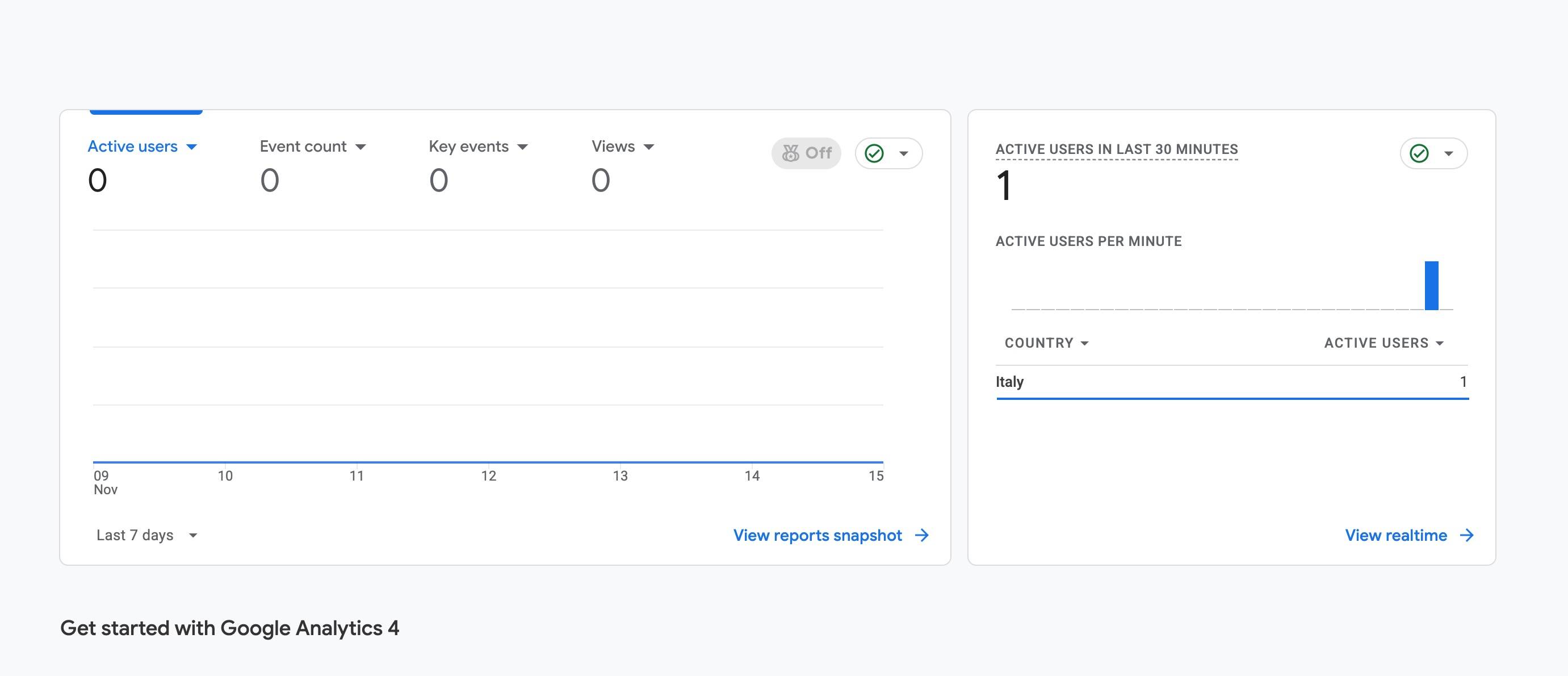
- In Google Analytics, open Reports then Realtime. Within a minute you should see one active user and your page in the list.
Realtime is instant. The standard reports take longer, often up to a day or two, before the first data appears. If nothing shows in Realtime after a few minutes, check the ID for typos or spaces and make sure you saved your profile.
The reports worth your time
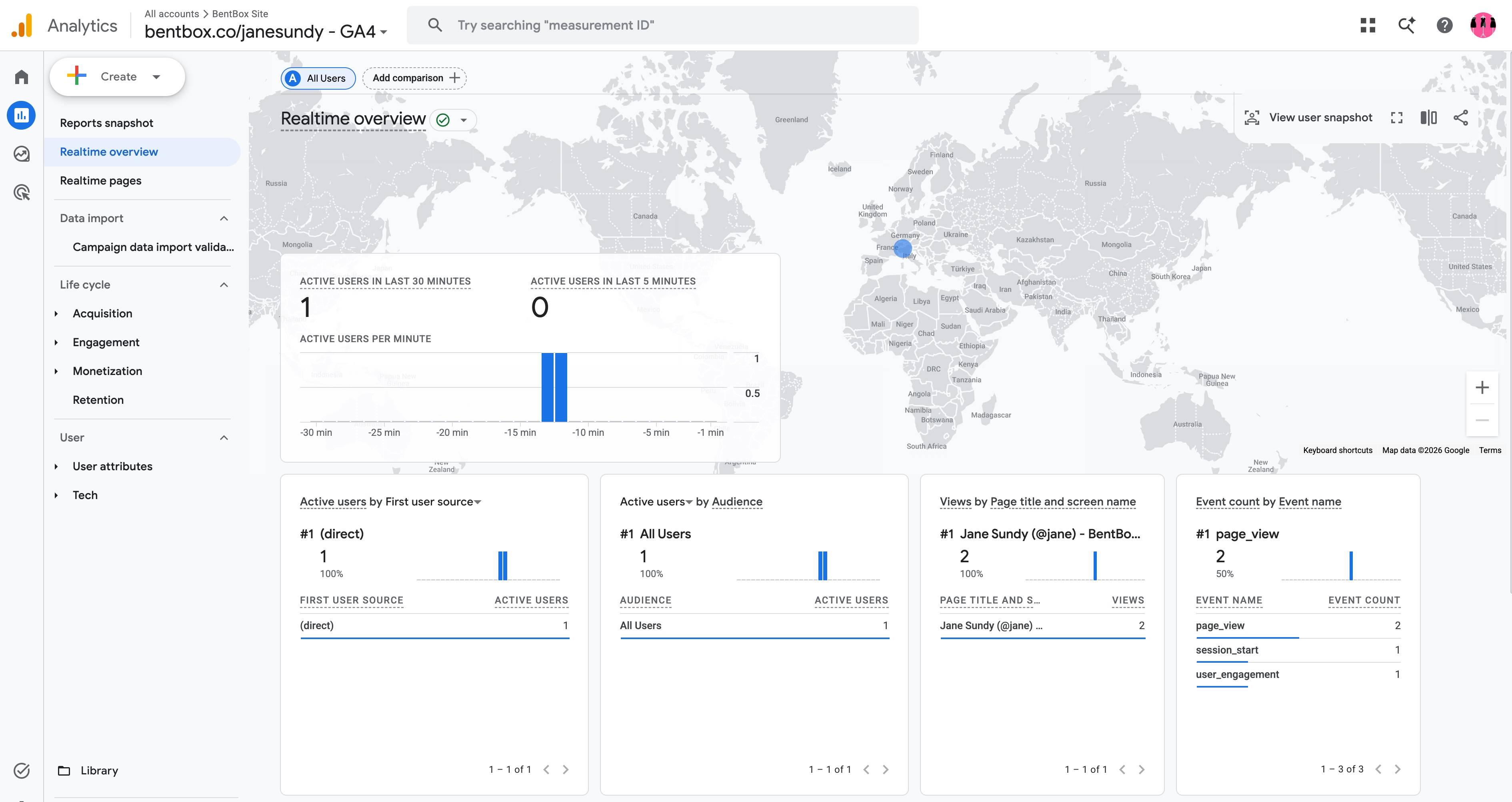
Start with Realtime overview (Reports → Realtime overview). It shows what is happening on your pages right now. Open it after you post a new Box or share a link, and watch the visits arrive.
Google Analytics has dozens of other reports. As a creator you can get most of the value from two of them.
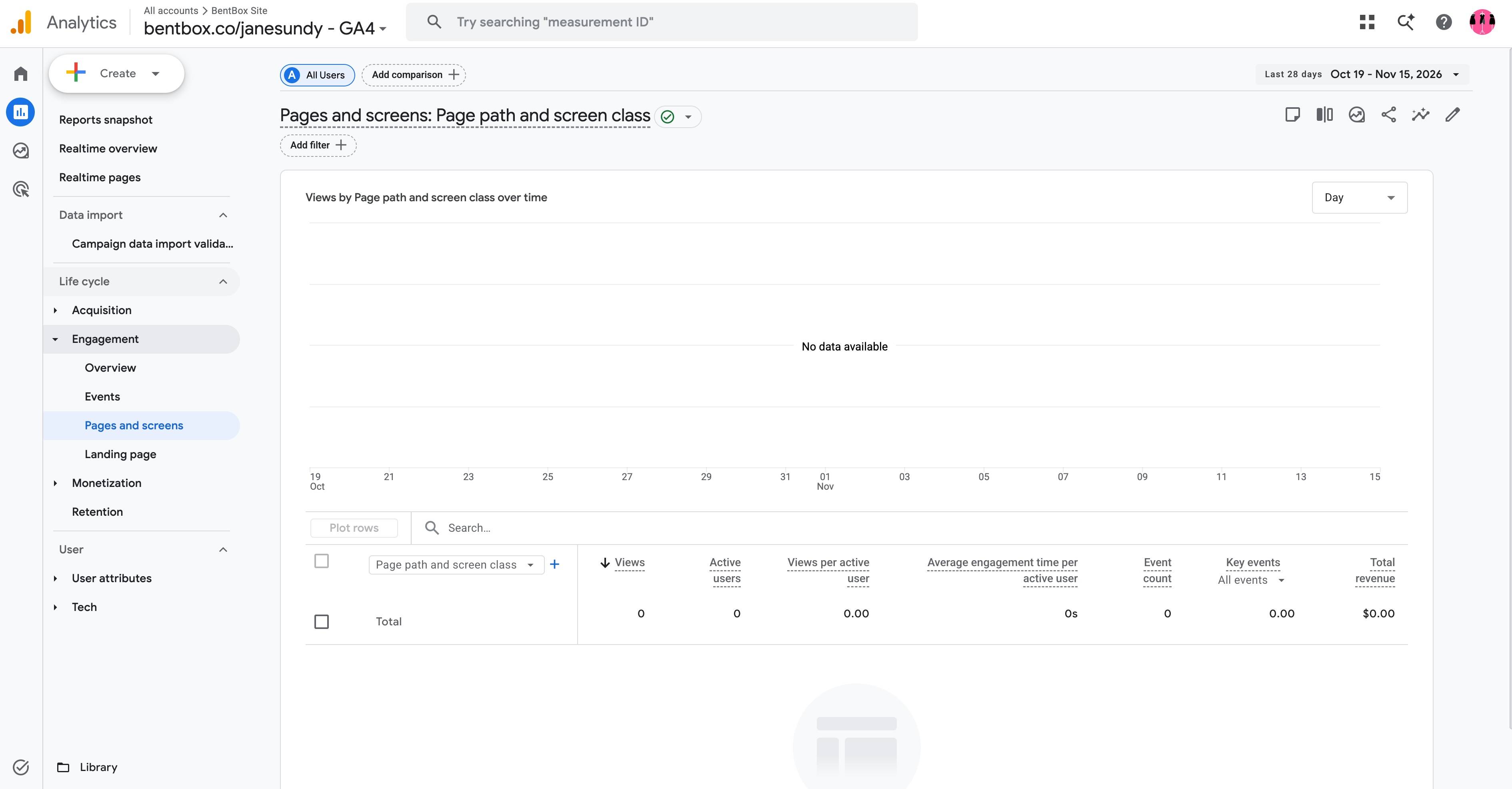
Pages and screens (Reports → Engagement → Pages and screens) lists your profile and each Box page by views. Put it side by side with your sales in BentBox. A Box with lots of views and few sales has a pricing, preview or description problem. A Box with few views but good sales deserves more promotion.
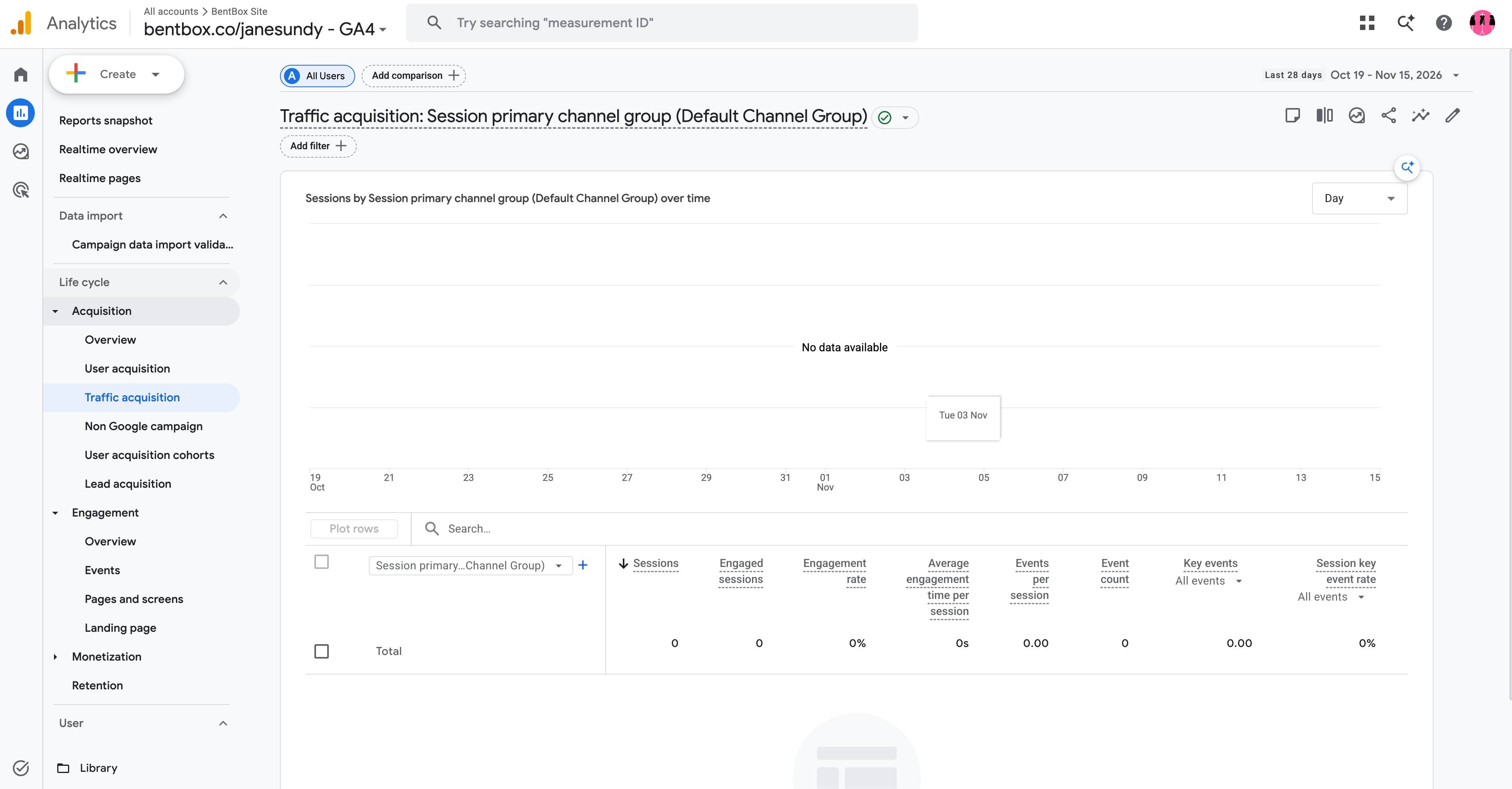
Traffic acquisition (Reports → Acquisition → Traffic acquisition) shows where visitors came from. Change the first column to Session source / medium to see each site by name. This is where tagged links, explained next, pay off.
Also worth a glance: User attributes → Demographic details for countries and cities, and Tech → Tech details for phone versus desktop.
Tag your links so every post gets credit
Many apps hide where a click came from. A visit from a link in your Instagram bio or a private message often shows up as "direct", with no source. UTM tags fix that. They are a few labels you add to the end of a link, which Google Analytics reads and reports back to you.
| Tag | What it means | Examples |
|---|---|---|
utm_source | Where the link lives | twitter, reddit, instagram, newsletter |
utm_medium | What kind of channel it is | social, email, bio, forum |
utm_campaign | Which push it belongs to | new_box_november, summer_set |
Paste a link to your profile or a Box, fill in the labels, and copy the tagged link.
Keep labels short, lower case and consistent: if you write reddit once and Reddit the next time, Google Analytics counts them as two different sources. Never put personal details such as a buyer's name or email address in a link.